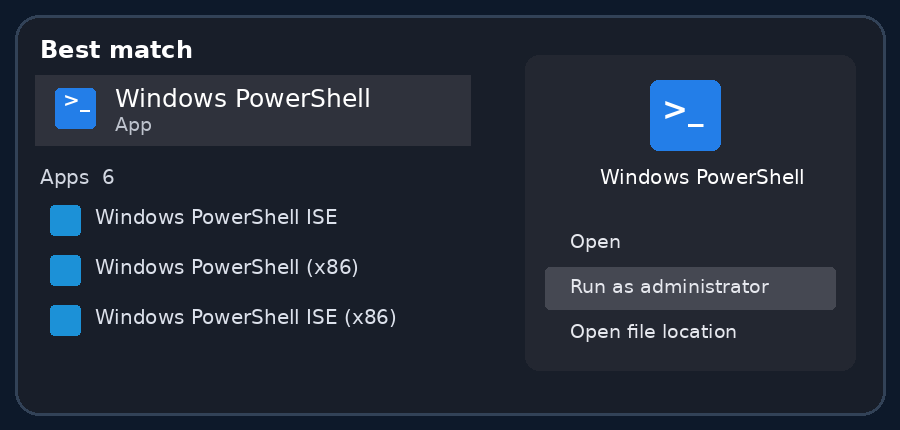
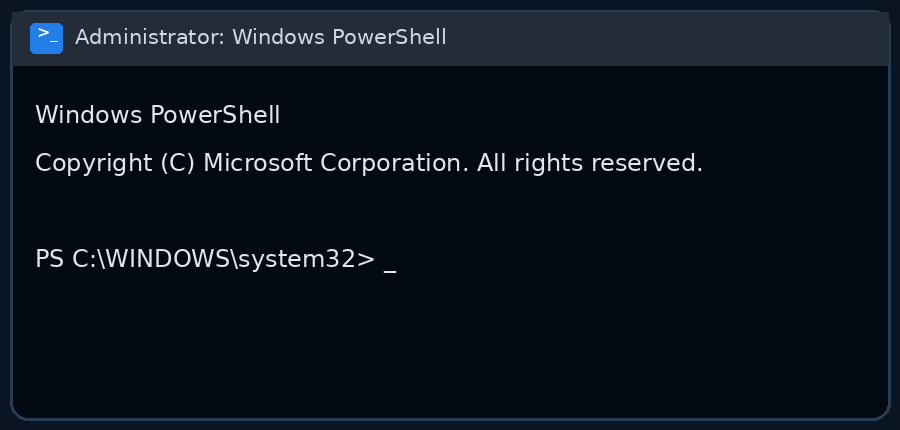
Startup guide
Required before first launch
Prepare your system
Complete this one-time compatibility setup before starting the launcher.
Windows Security
Disable the required Windows Defender components
Required
Cheat interacts with protected game processes,
which may cause security software to block or quarantine required files.
Additional compatibility requirements
Third-party antivirus: disable its active protection before launch.
FACEIT Anti-Cheat: close it or remove it before launching the product.
Cheat startup
Download launcher
Download the file before following the steps below.
- Start launcher
- Paste the key using CTRL+C, CTRL+V and press “SUBMIT”
- To load the cheat, click “LOAD”
- Wait for the “Start the game!” text — the launcher will close, then open Marvel Rivals manually
- After opening the game, go to the "Play" tab
- In this tab, press the DELETE key several times, wait about 10 seconds, then press DELETE again
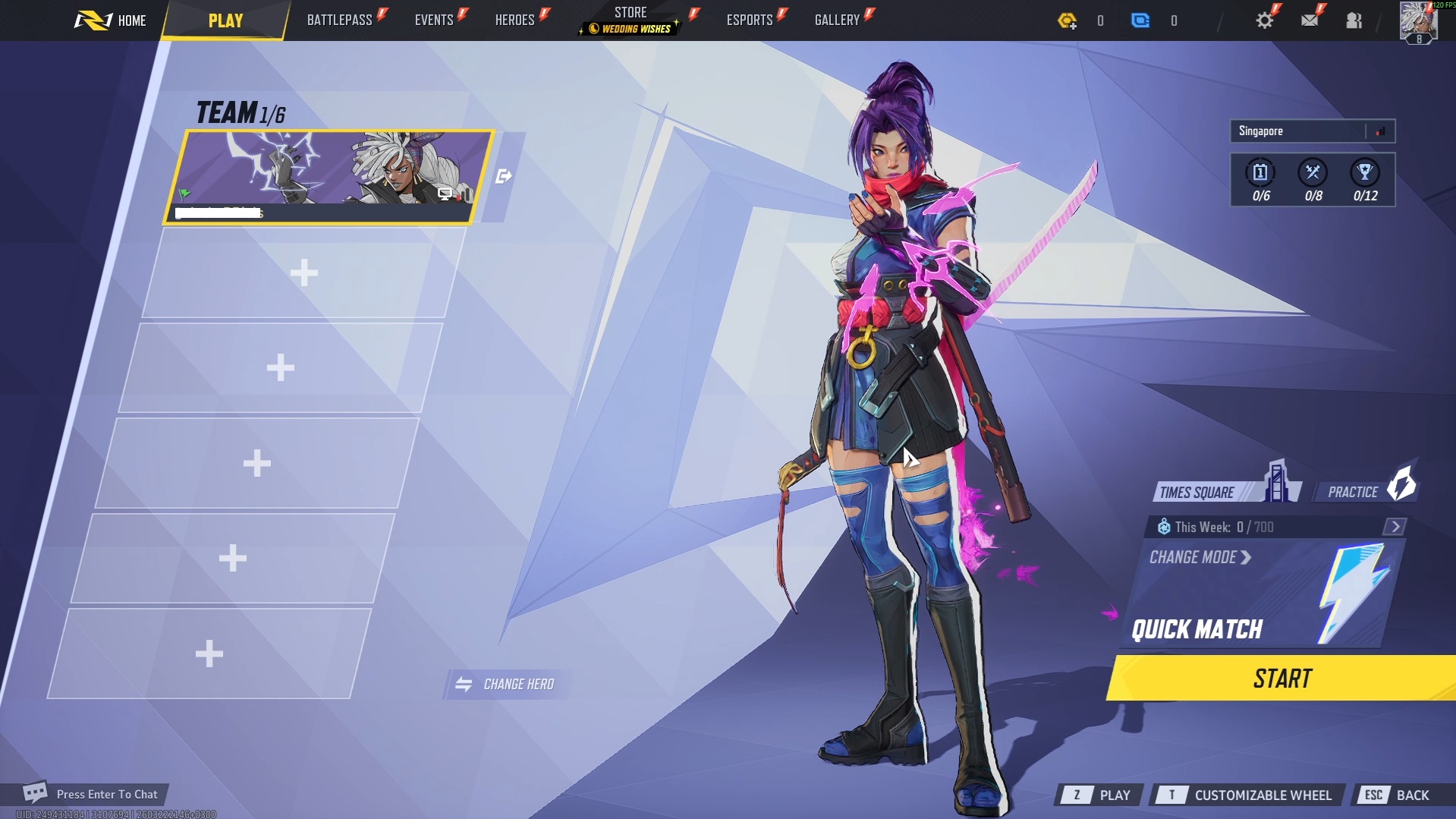
Important: press DELETE exactly at the moment shown on the screenshot above.